Design · A home for your ideas
Your home.
Your imagination.
Design your home by talking to it.
Open up the kitchen. Make room for a balcony. Describe the change, then explore it in a home you can walk around in 3D.
Sign in to start designingWith your Patchworks account. Your designs are yours.
See how it works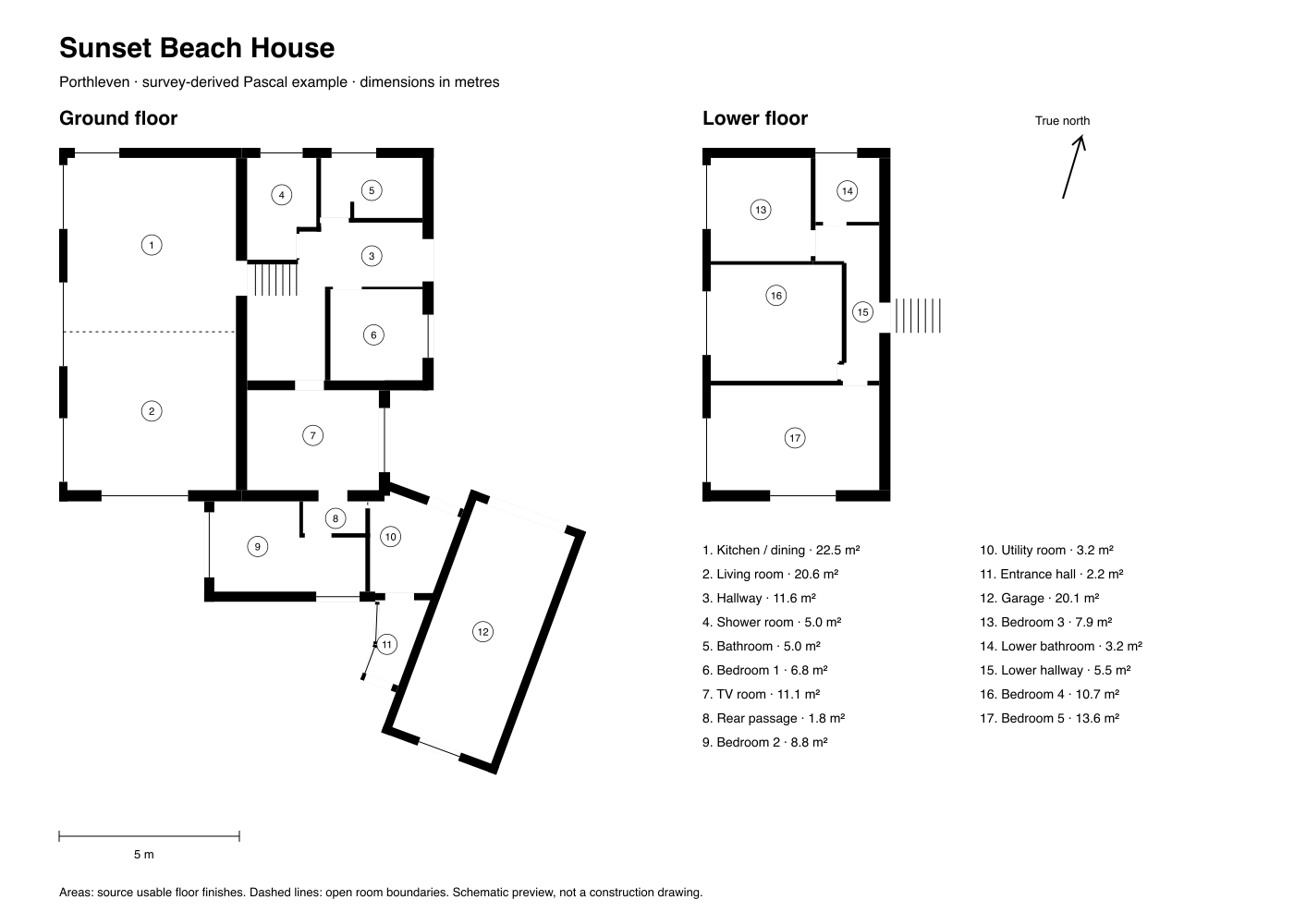
Meet your starting point
Sunset Beach House
A ready-made example to open in 3D and make your own. Floor plan preview shown.
How it works
Start. Talk. See it.
- 01
Start with a possibility
A blank canvas, our Sunset Beach House example, or a Rightmove listing. Pick a starting point and make it your own.
- 02
Talk it into shape
“Add a balcony to the first floor.” “Swap these two rooms.” Or point and ask: “Move this wall over here.”
- 03
See your idea come to life
Explore the changes in live 3D. Compare layouts and viewpoints, then ask for a photoreal render to imagine the finished space.
A few good questions
Explore the help guideAre my designs private?
Your designs are yours. Other people using the app cannot open your designs or conversations. You can rename, duplicate or delete your designs from your collection. The assistant uses the connected AI provider to process your requests.
Do I need a floor plan?
No. Start with an idea in words, a blank canvas or the example. If you have a Rightmove property in mind, import its listing and check the AI's interpretation against the original plans.
What powers the editor?
Built on Pascal, the open-source home-design editor, licensed under MIT. Its native 3D tools and undo history let you keep shaping the home yourself, alongside the assistant.